A little friendly competition.
Bring the room together with live trivia, bingo, Pub Poll and phone games. Guests scan your QR code to join the action.
Bring your Square menu to your TVs, hide 86’d items automatically, and keep your specials alongside it. No Square? Build your menu in Ojos. Add trivia, bingo, Pub Poll and guest QR games from one dashboard.
From $5/month · No card needed for your trial · Built by FryThis
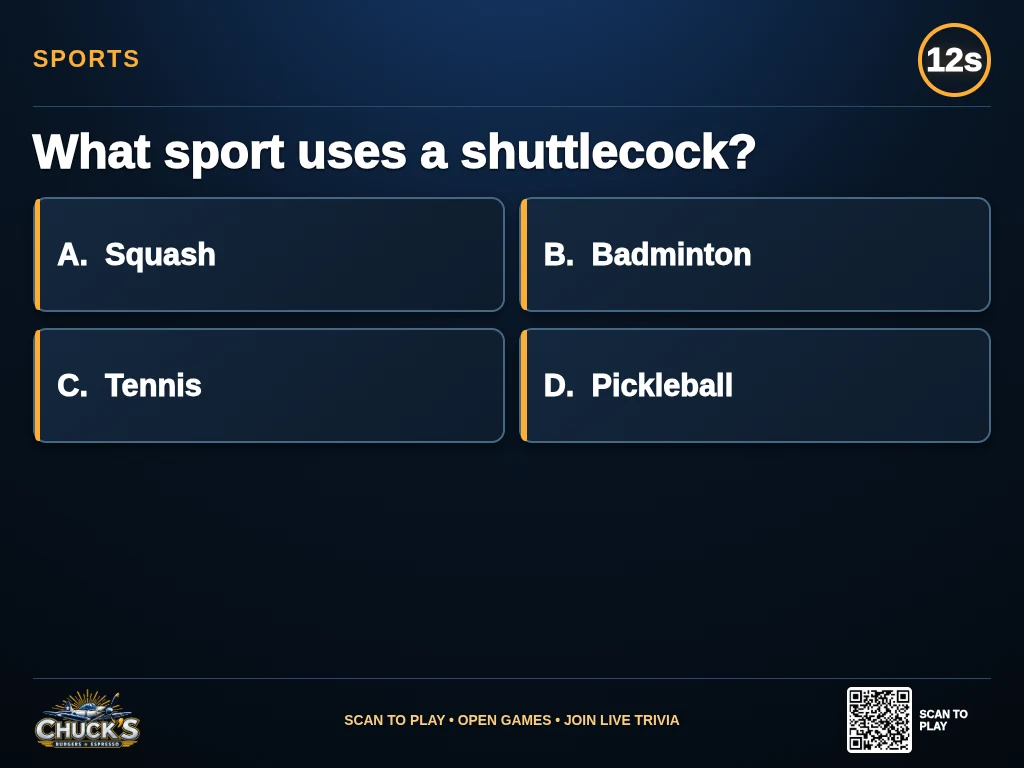
Bring the room together with live trivia, bingo, Pub Poll and phone games. Guests scan your QR code to join the action.
Import the items you choose from Square, keep 86’d items off the TV, and mix in specials made directly in Ojos.
Pair screens with a code, choose their content and manage your own authorized TV sources from a browser.
Real screens from Ojos Vision TV. Your venue can add its own branding, menu and promotions.
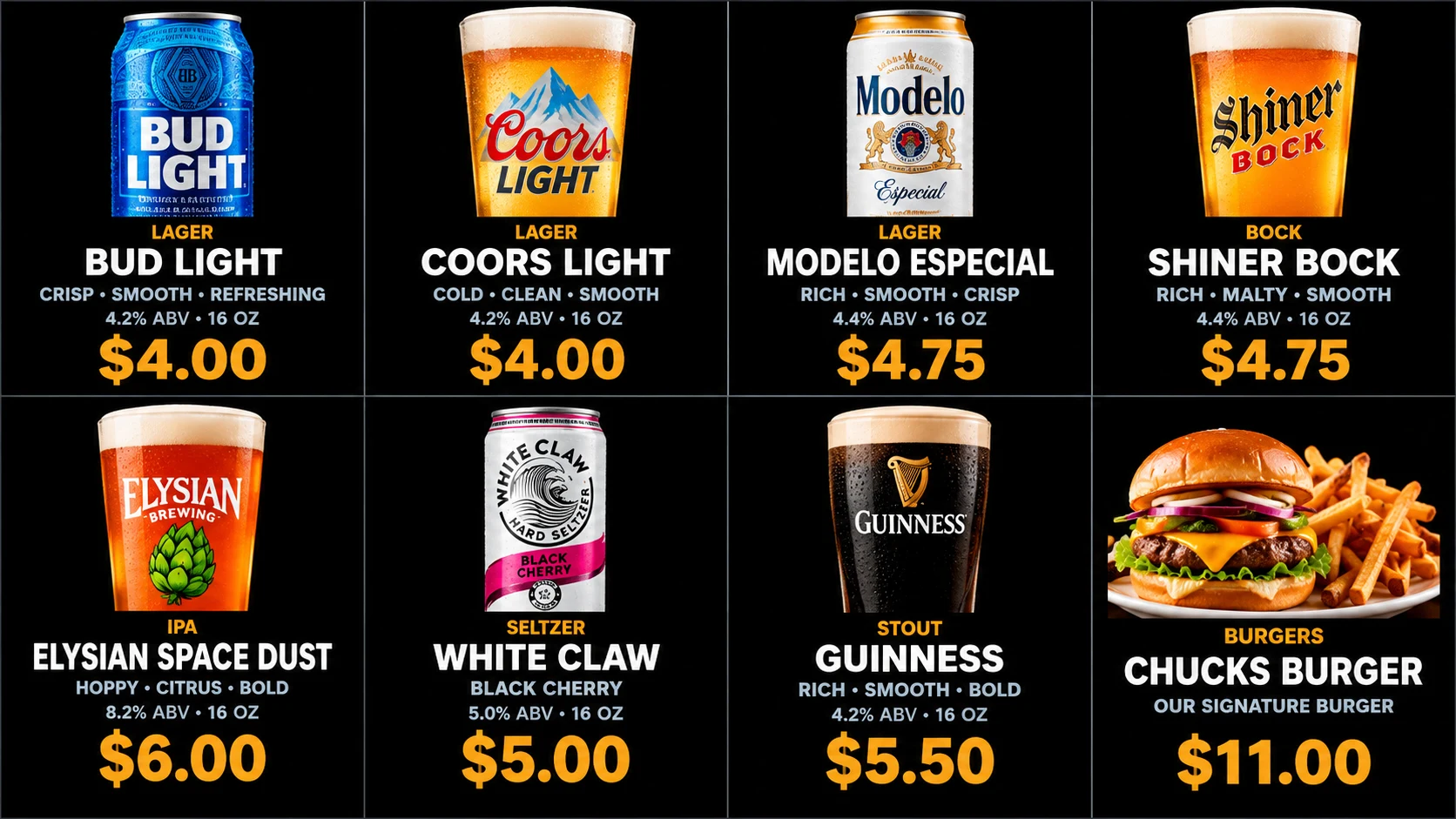
Show food, drink and beer menus on your TVs. Import selected items from Square or build them manually. Keep prices, photos and promotions together—and 86’d Square items off the board.
Guests answer from their phones while the TV shows the round. Timed questions and leaderboards give the room something to follow.
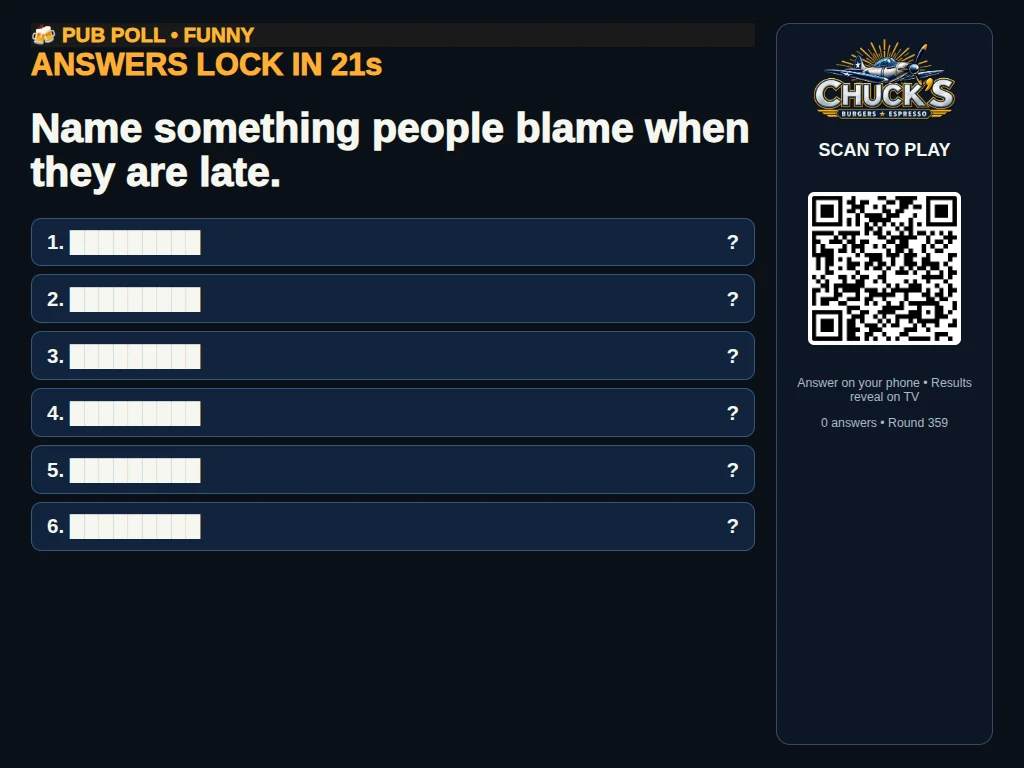
Pub Poll brings survey-style questions to your TVs. Guests submit answers on their phones and watch the results reveal on screen.
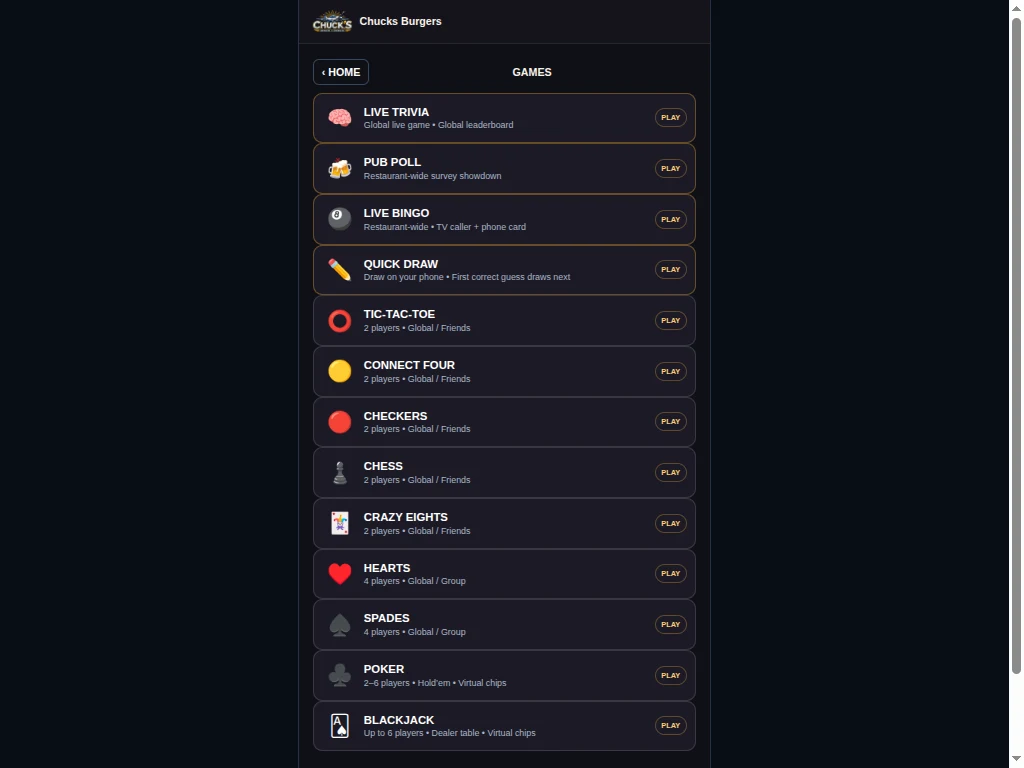
Your venue QR opens a branded guest hub. Guests can choose live games or casual multiplayer games without installing a guest app.
Games shown depend on venue settings. Play trivia, bingo, chess, checkers, Tic-Tac-Toe, Connect Four, Crazy Eights, Hearts and Spades, plus poker and blackjack with free virtual chips. Optional live games depend on venue settings.
Try it at your venue ↗Screenshots show an example venue. Menu prices, availability and promotions are illustrative and are set by each venue. Third-party brands belong to their respective owners; no endorsement is implied.
Create your venue, add branding, import your Square menu or build one manually, and add promotions.
Connect each display using its pairing code and assign what it shows.
Share your venue QR code. Guests open games in their phone browser.
Run TV trivia with phone-based answers, timed questions and leaderboards. Ojos Vision TV combines trivia, bingo and digital menus from $5/month.
Explore this feature →Import menus from Square, automatically hide sold-out items or add menu items manually. Show food, drinks, prices and promotions on your TVs.
Explore this feature →Bring bar TVs and guest phones together with trivia, bingo, Pub Poll and QR games. Explore Ojos Vision TV for bars, restaurants and neighborhood venues.
Explore this feature →Start with a seven-day, card-free trial. Website subscriptions renew monthly until canceled.
USD. Applicable taxes may apply. TV channel packages and commercial screening rights are not included.
Put shared questions and game moments on screens everyone can see.
Bring your logo, menu and promotions into the same screen experience.
Manage paired screens and content from one browser dashboard.
Install Ojos Vision TV on Android TV, Google TV or compatible Fire TV devices. Pair your screen with your venue dashboard to get started.
On your TV, open the Downloader app and enter code 1981842.
Google Play: coming soon. The APK is a direct installation; your TV may ask you to allow installation from Downloader or your browser.
No. Guests scan the venue QR code and use their phone browser for the guest experience.
No. Build menus directly in Ojos Vision with categories, items, photos and prices. If you use Square, import selected items and mix them with items made in Ojos.
Yes. Ojos checks the sold-out status of imported items at your linked Square location, hides unavailable items and shows them again when available. Background updates are not instantaneous.
No. The menu integration is read-only and does not modify Square inventory, catalog, orders or payments. Ojos subscriptions are billed separately.
No channel subscription is bundled. You supply authorized sources and are responsible for any commercial or public-performance permissions your venue needs.
Create a website account and try the platform for seven days without a card. A paid subscription is needed to continue afterward.
Ojos Vision TV is built by FryThis, the company behind our restaurant and guest experience software.